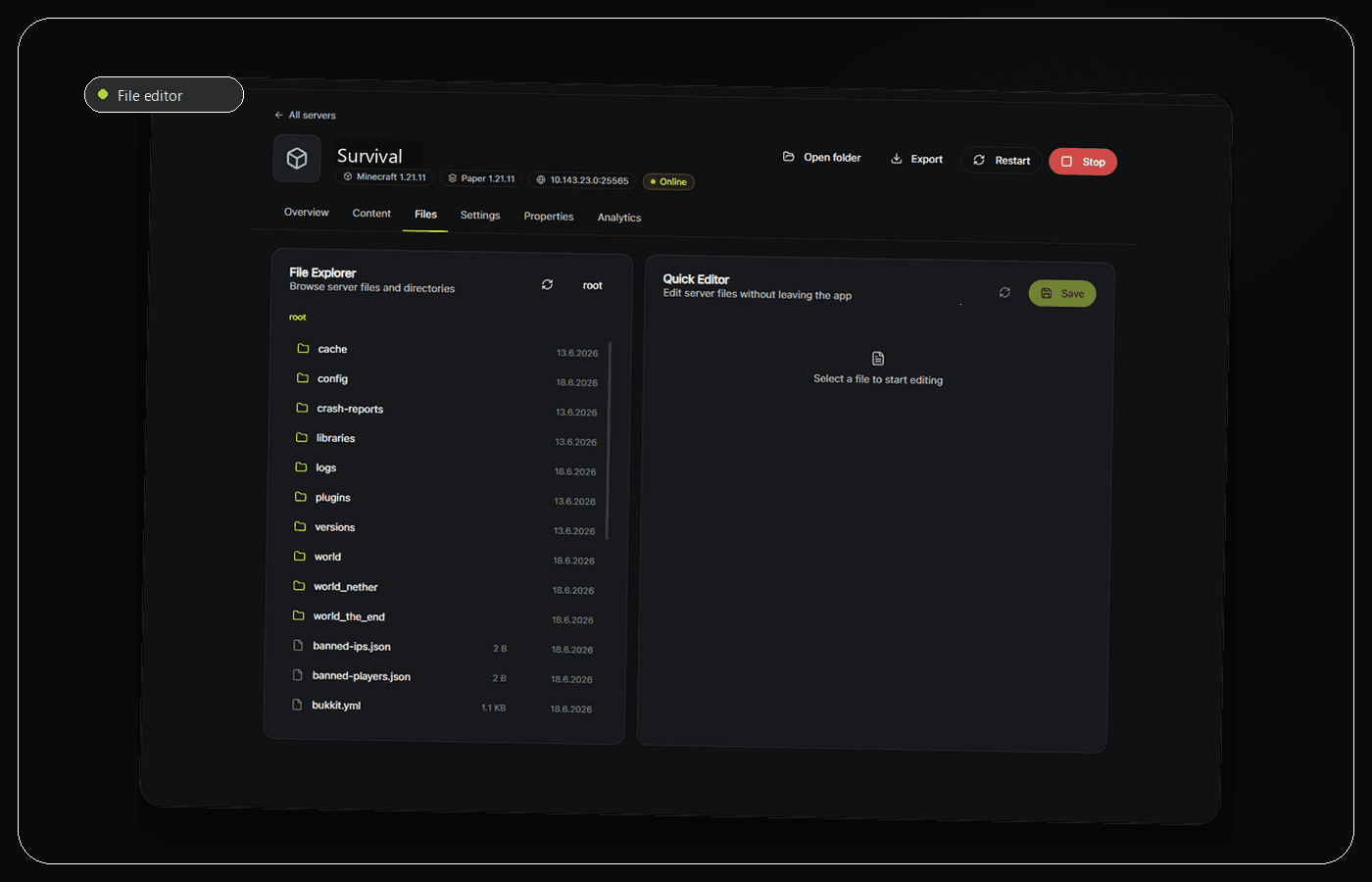
Work directly with your files.
Browse folders, inspect configurations and make focused edits in place.
Manage local Minecraft servers on Windows with console, files, backups and live server health in one focused desktop app.
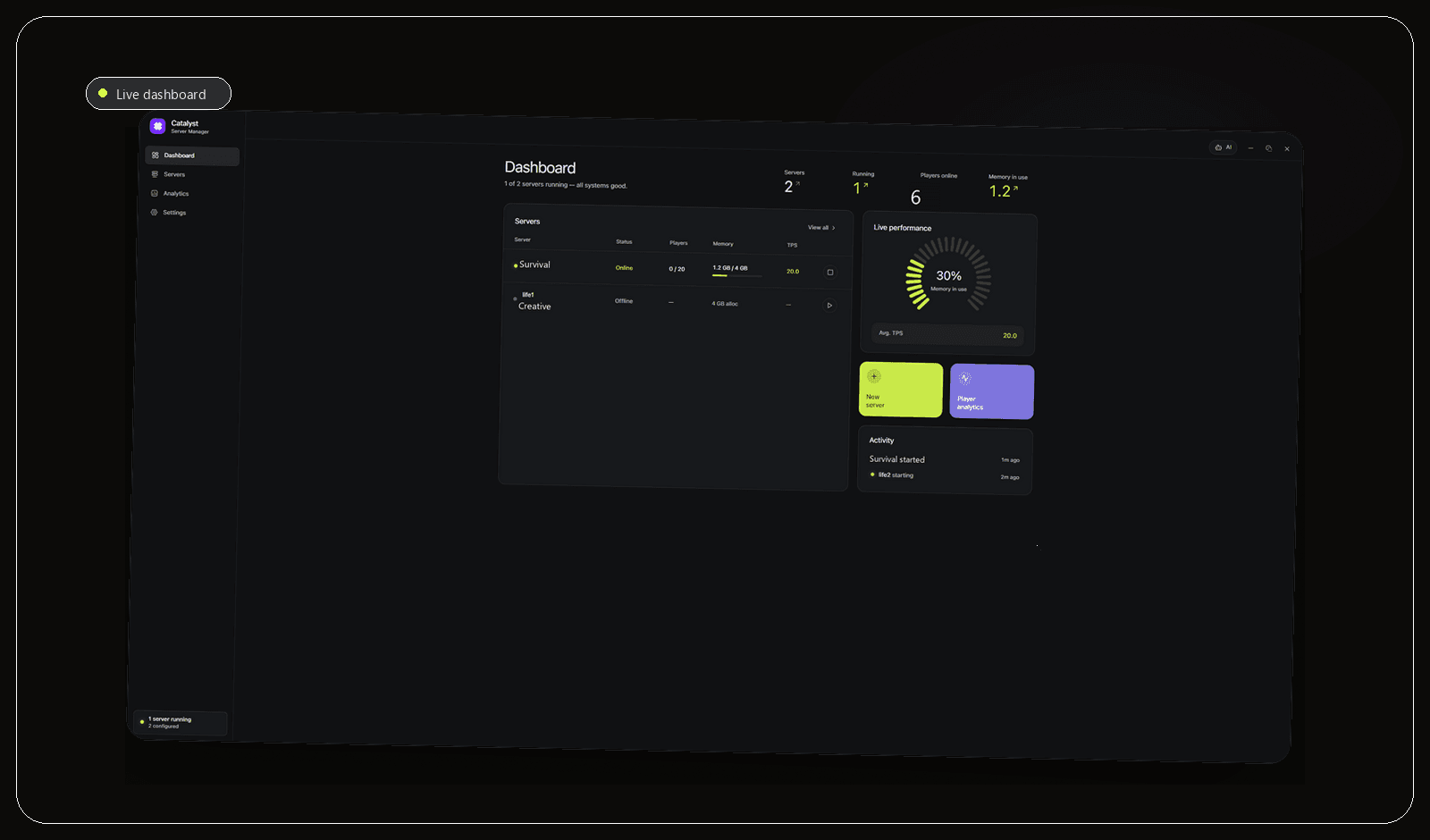
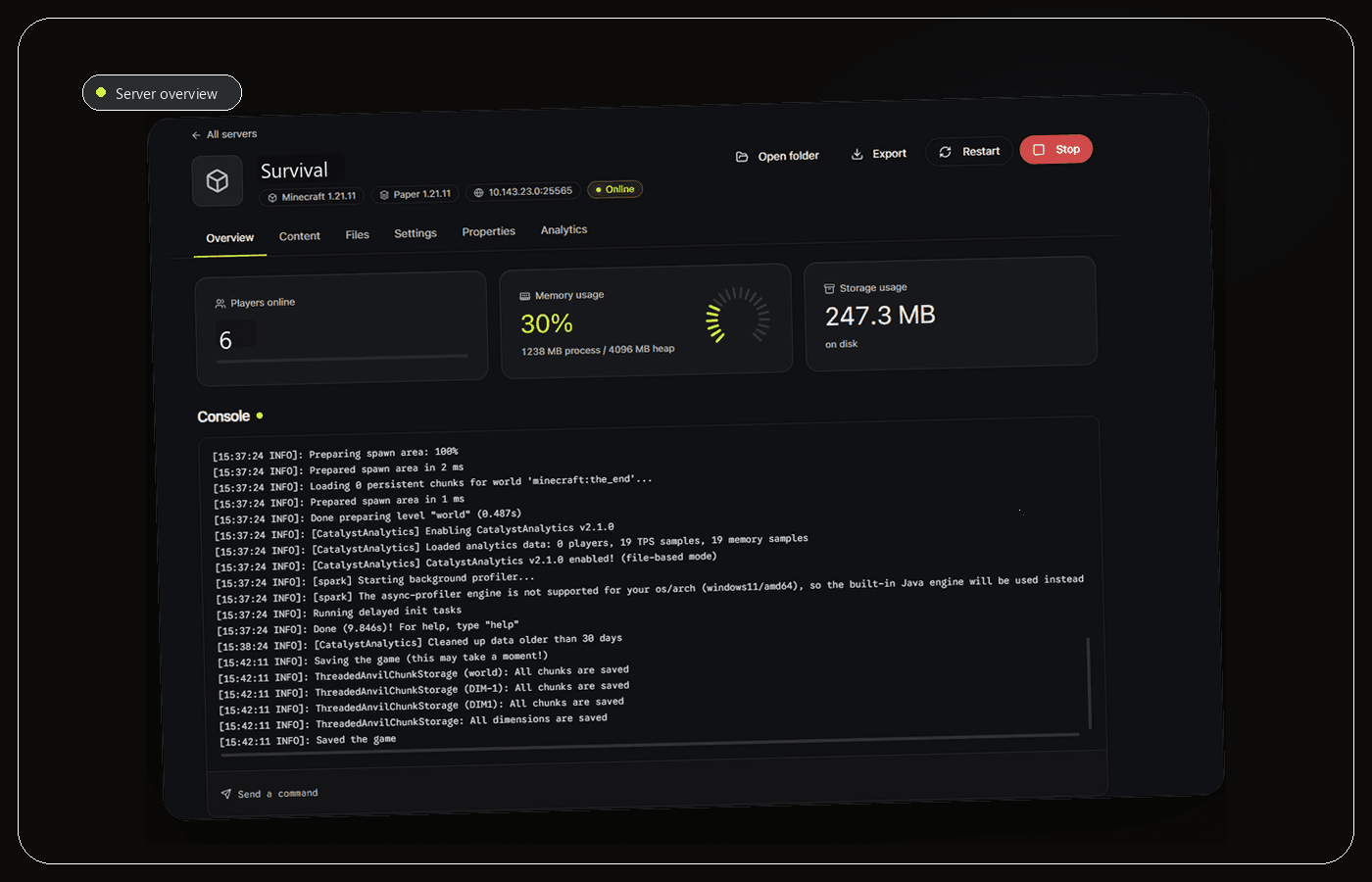
Live state, console output and everyday actions stay visible without turning your workflow into a browser tab collection.
Catalyst keeps the important paths short while leaving your files and hosting model intact.
Browse folders, inspect configurations and make focused edits in place.
Your server data stays where you put it. Catalyst works with your existing folders instead of replacing them.
Control the server and check its performance from the same workspace.
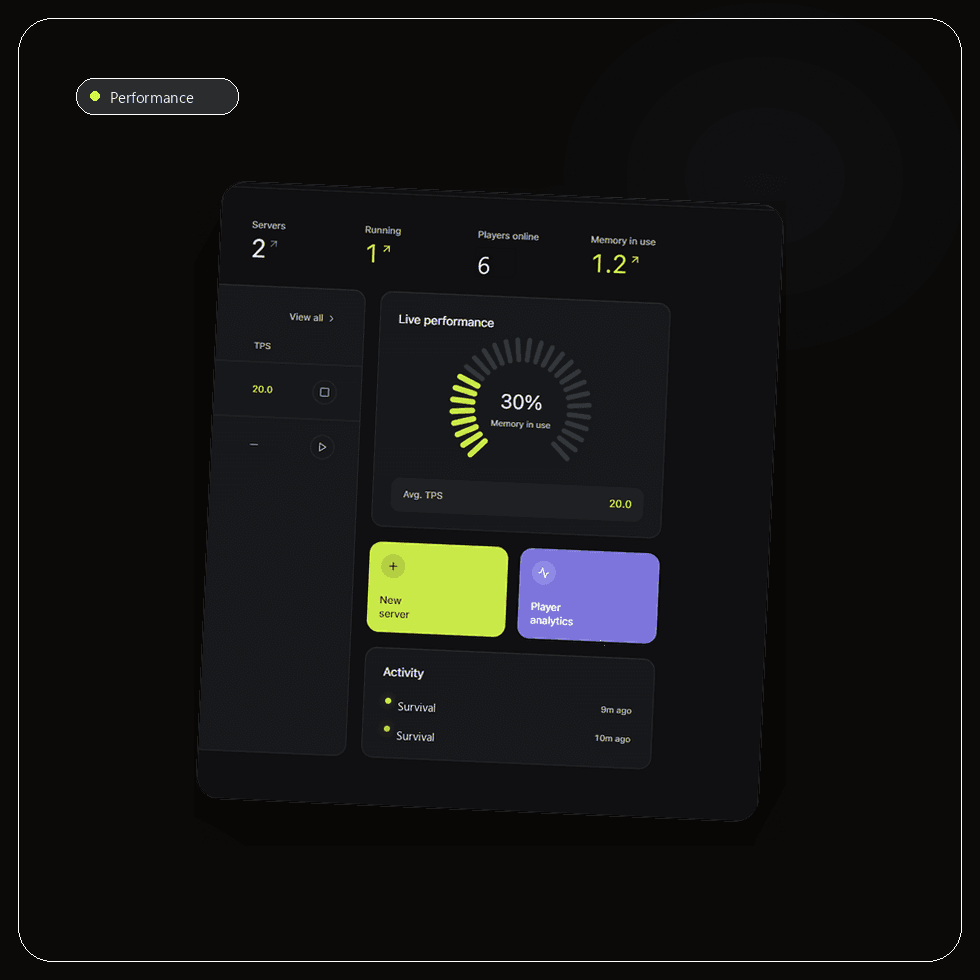
See player activity and resource trends without noisy monitoring chrome.
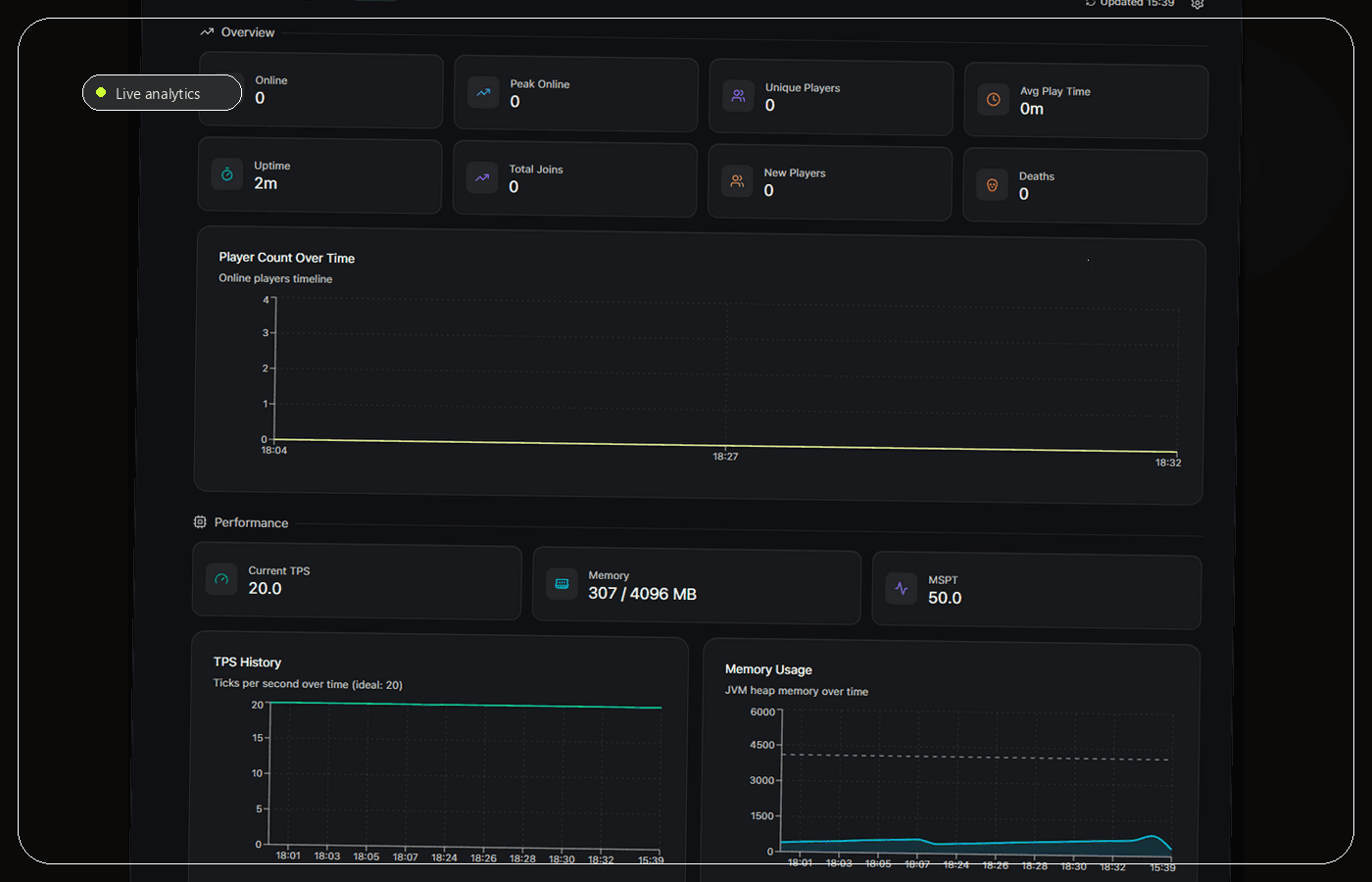
Console, files, performance and backups stay connected to the server you are working on.
Keep the folder structure you already trust. Catalyst works around it, not against it.
Visible restore points make it easier to return to a known state when an update goes wrong.
Download the native Windows app and open it like any desktop tool.
Connect a new or existing server directory without moving its contents.
Keep the console, files, backups and server health within reach.
Practical guides for setup, performance, security and recovery.
Explore all guidesA practical Windows setup guide covering Java, server files, the EULA, first launch and safe access for friends.
The features that matter in a Windows server manager, plus a practical comparison of desktop tools, scripts and web panels.
A practical comparison of three popular plugin server choices, focused on compatibility, tuning and maintenance.
Players, memory, storage and console activity share one clear control surface.
Still unsure? The repository and issue tracker are open.
Open issues
Download Catalyst for Windows and connect your first server folder.
Download for Windows